Wireless Headphones
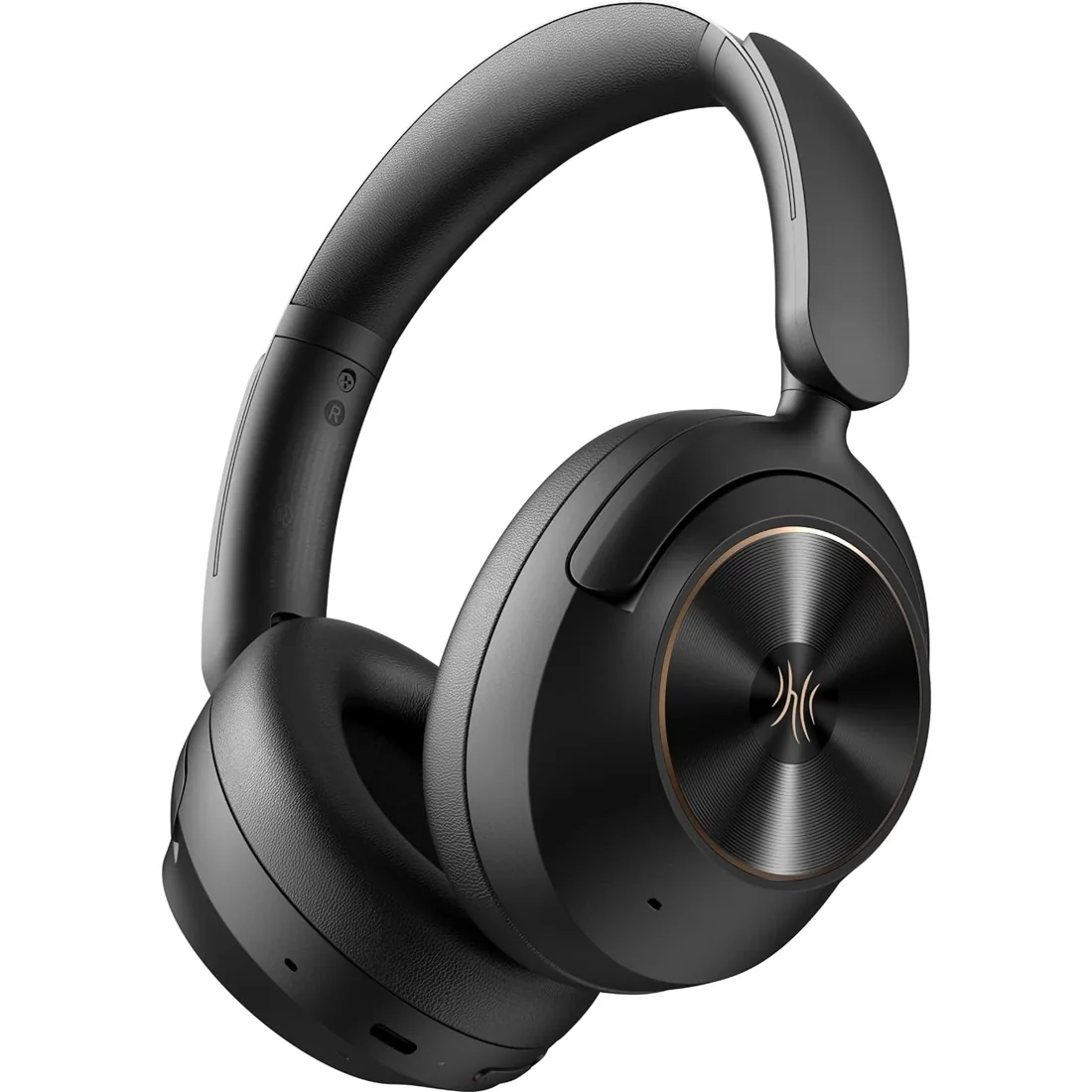
Focus A6
Hybrid active noise cancellation, LDAC and Bluetooth 6.0, with USB-C wired listening and up to 75 hours of playback.
$55.99View Product ↗

OneOdio wireless headphones offer several ways to listen, from everyday Bluetooth connections to dedicated wireless DJ monitoring. Explore Focus models for active noise cancellation, Studio Max headphones for their dedicated low-latency systems, and wired-and-wireless options for flexible listening. Compare the specific model's battery modes, supported connections and microphone features rather than assuming every wireless headphone works alike. Active noise cancellation, a USB connection and analog listening are separate capabilities that vary across the range. Choose a model below, review its exact configuration and find the connection that fits your music, calls, commute or creative setup before buying on Amazon.
Hybrid active noise cancellation, LDAC and Bluetooth 6.0, with USB-C wired listening and up to 75 hours of playback.
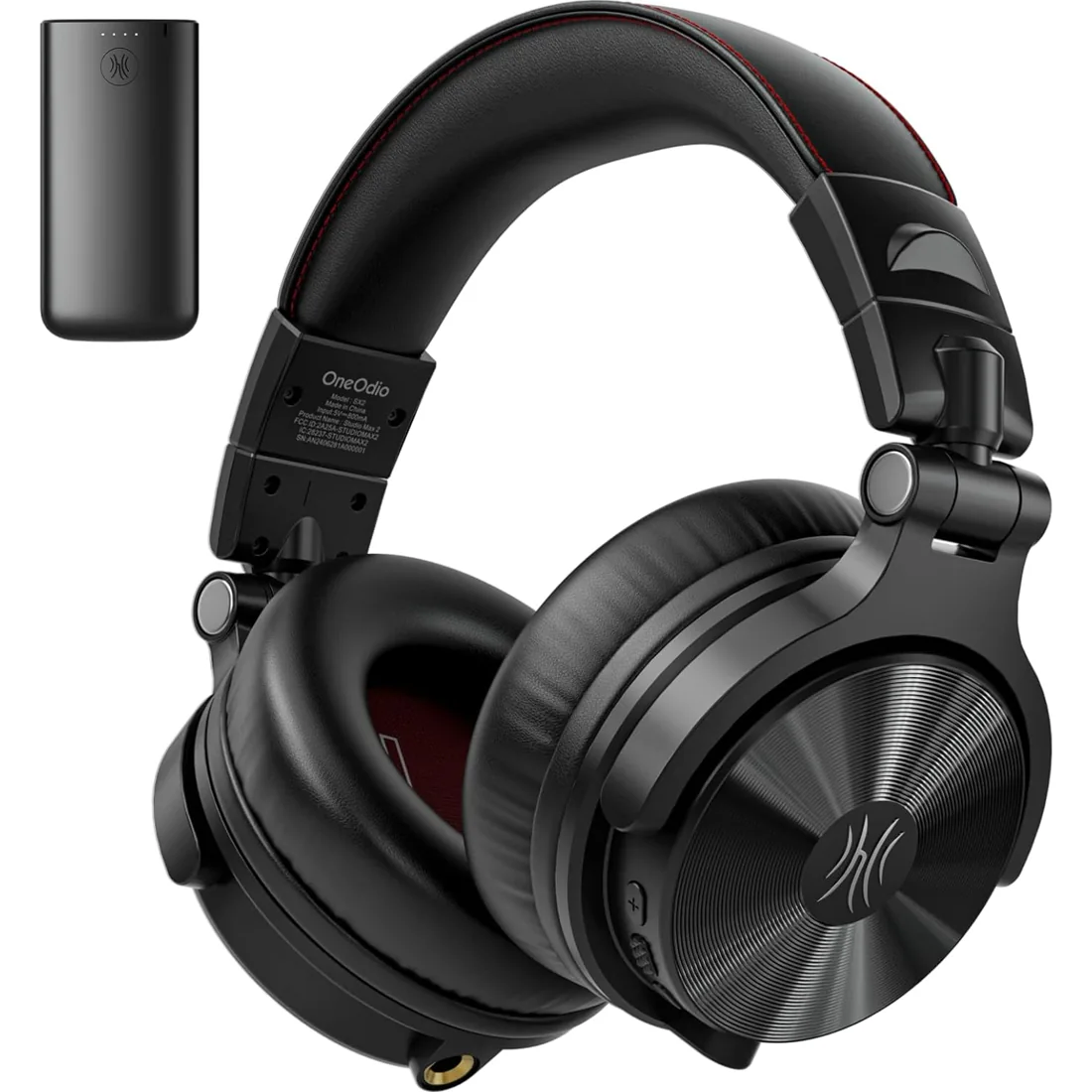
9ms RapidWill+ 3.0 wireless audio, LDAC support and up to 120 hours of listening. Connect by dedicated wireless, Bluetooth or cable.
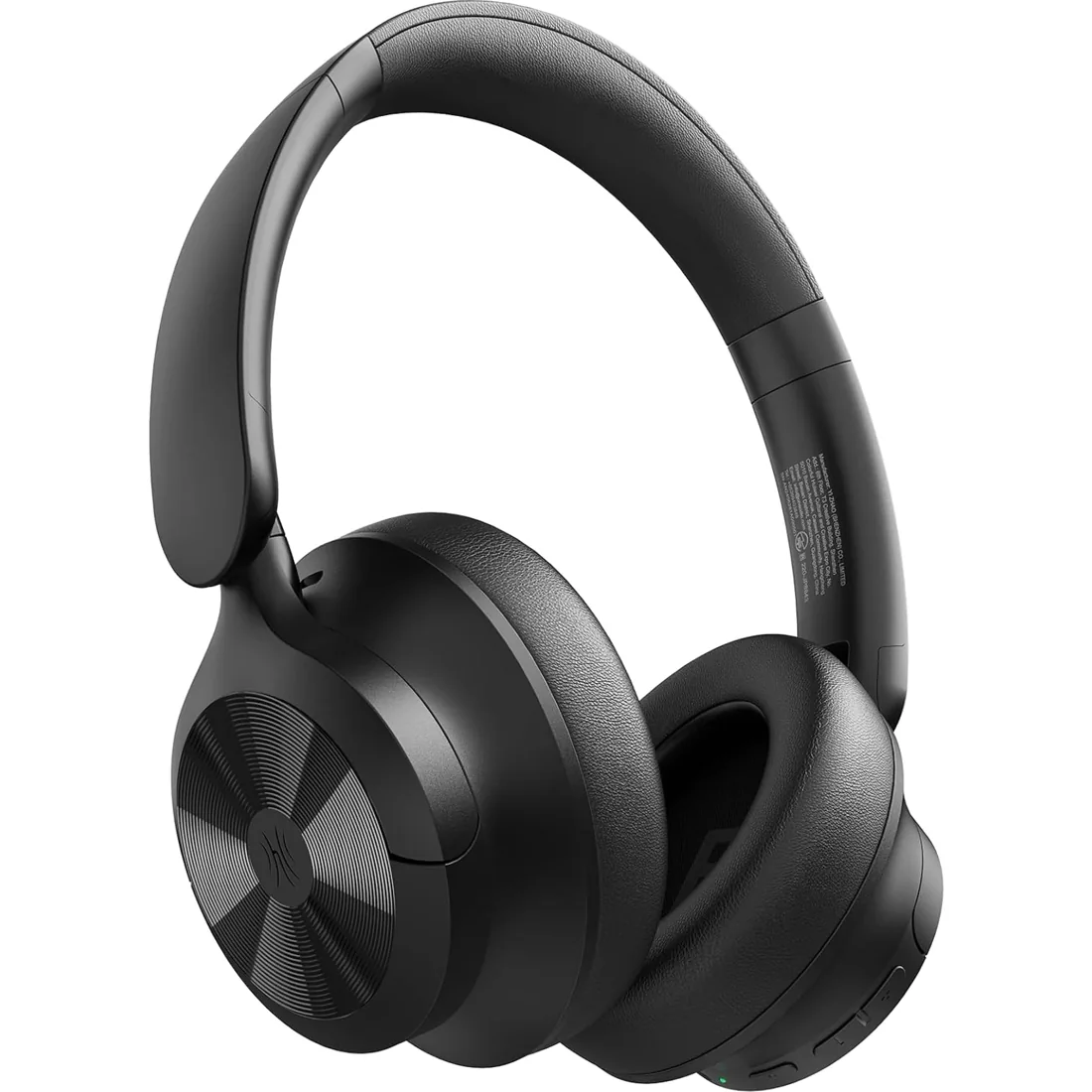
The hybrid ANC technology effectively reduces ambient noise up to 38dB, allowing you to immerse yourself in music or focus on work. For calls, the single microphone with ENC (Environmental Noise Cancellation) algorithm ensures your voice is transmitted clearly.
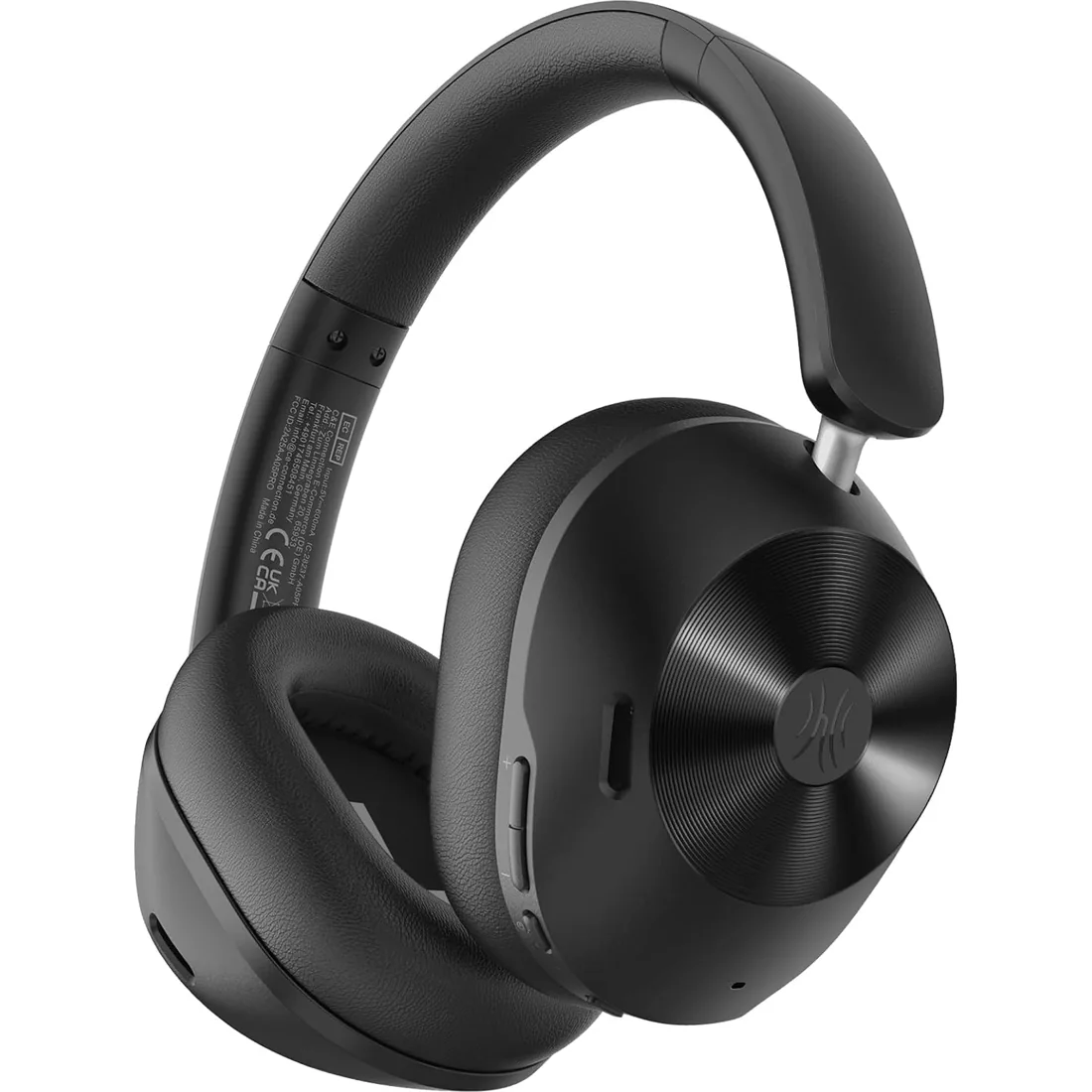
Silence the Noise, Amplify Your Moments. Whether you're navigating a bustling commute, unwinding at home, or exploring the world, the Focus A5 adapts seamlessly to your lifestyle. With Hybrid Active Noise Cancellation (HANC) reaching -45dB, it captures and silences up to 98% of low-frequency noise. Feel the chaos fade—airplane engines, subway rumbles, office chatter—leaving only what matters: your music, your focus, your peace.
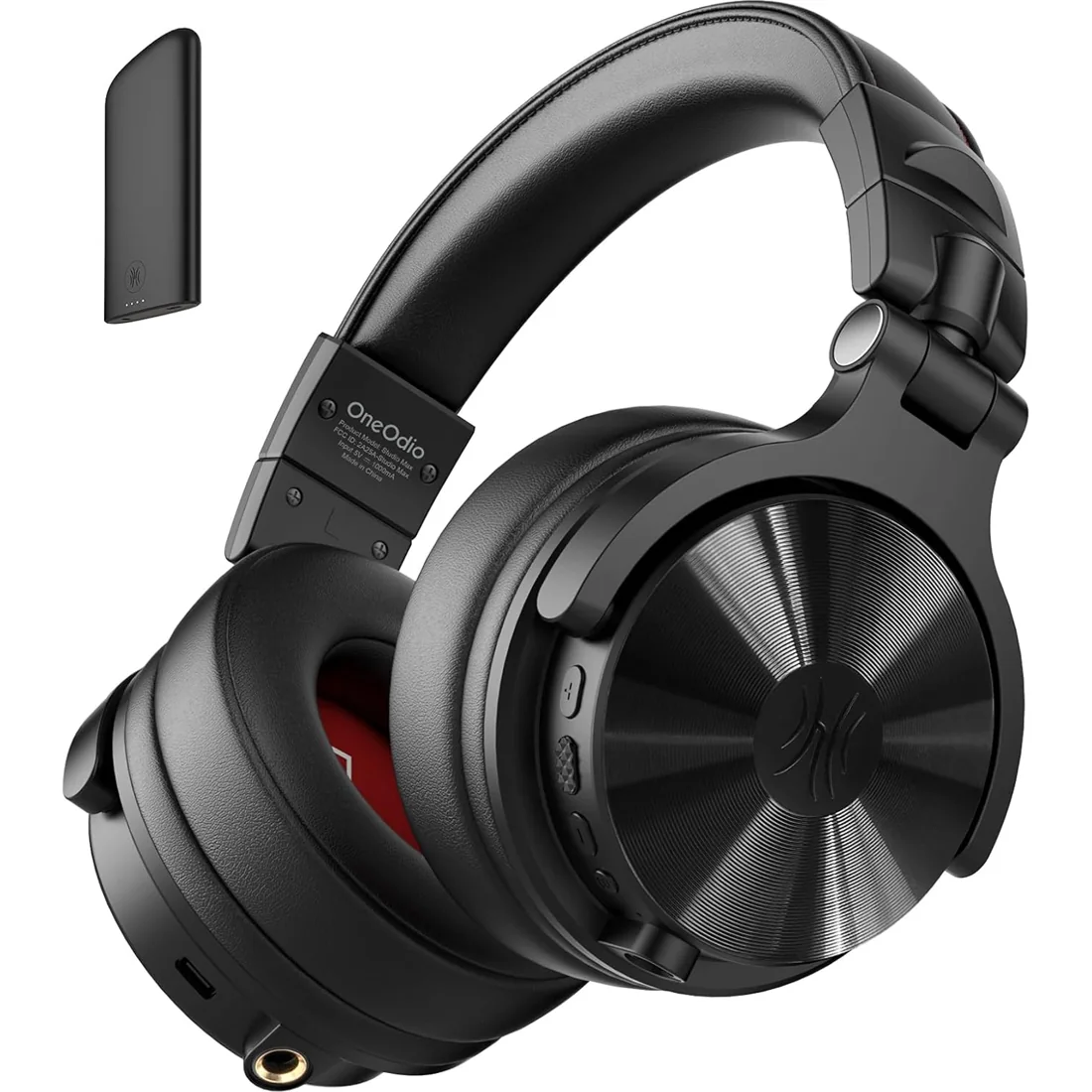
Rapid Will+ ultra-low latency (20ms) transmitter, ideal for DJ mixing, gaming gear, and music playback (e.g., amplifiers, mixers, guitars, and pianos). Supports Bluetooth 5.3 for seamless pairing with phones/tablets/PCs. Includes 3.5mm/6.35mm wired cables for compatibility with traditional audio interface devices.
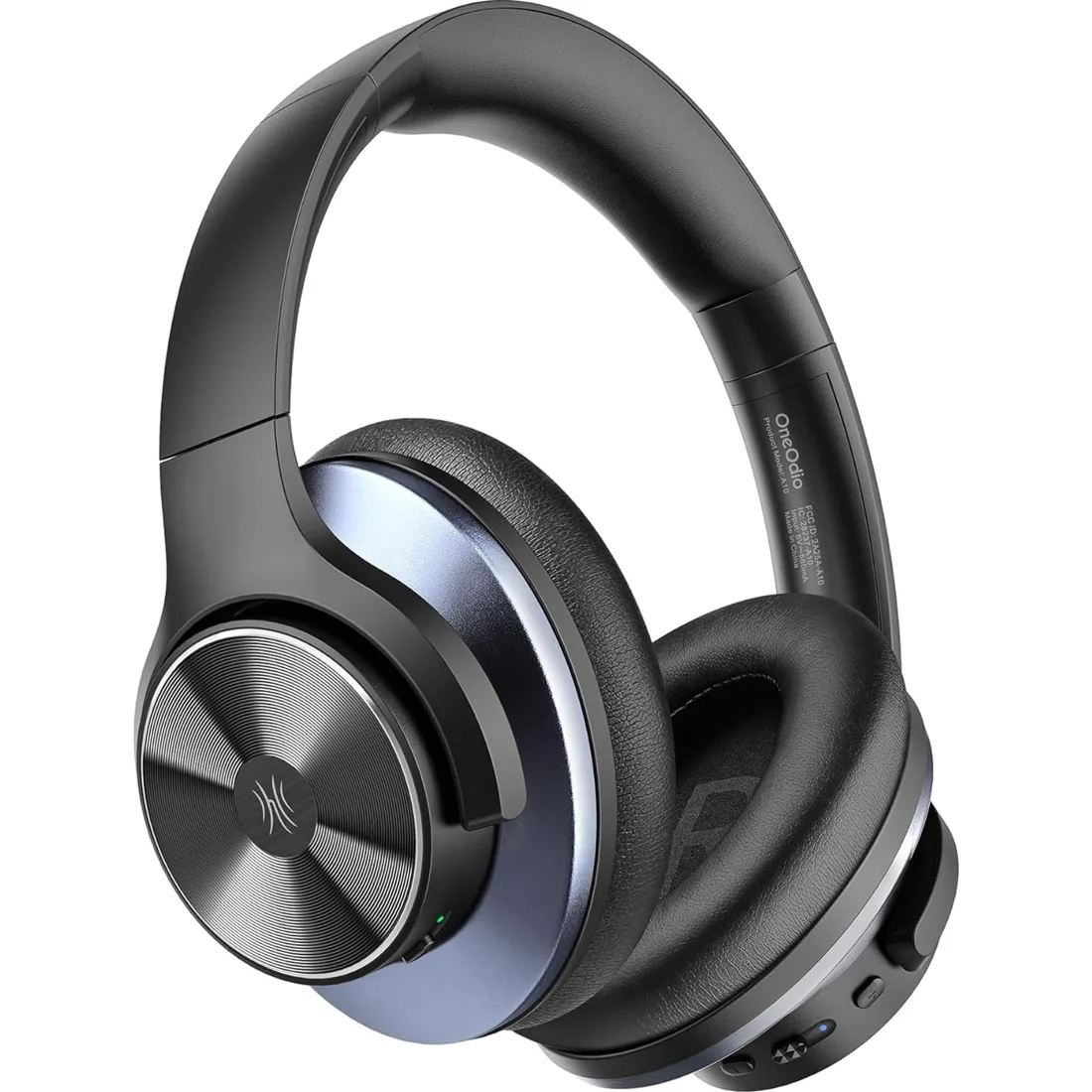
Equipped with a 5-microphone hybrid ANC system and -35dB noise cancellation depth that eliminates 95% of low-frequency noise, allowing you to enjoy immersive music and clear sound even in noisy environments like airplanes, subways, or offices.
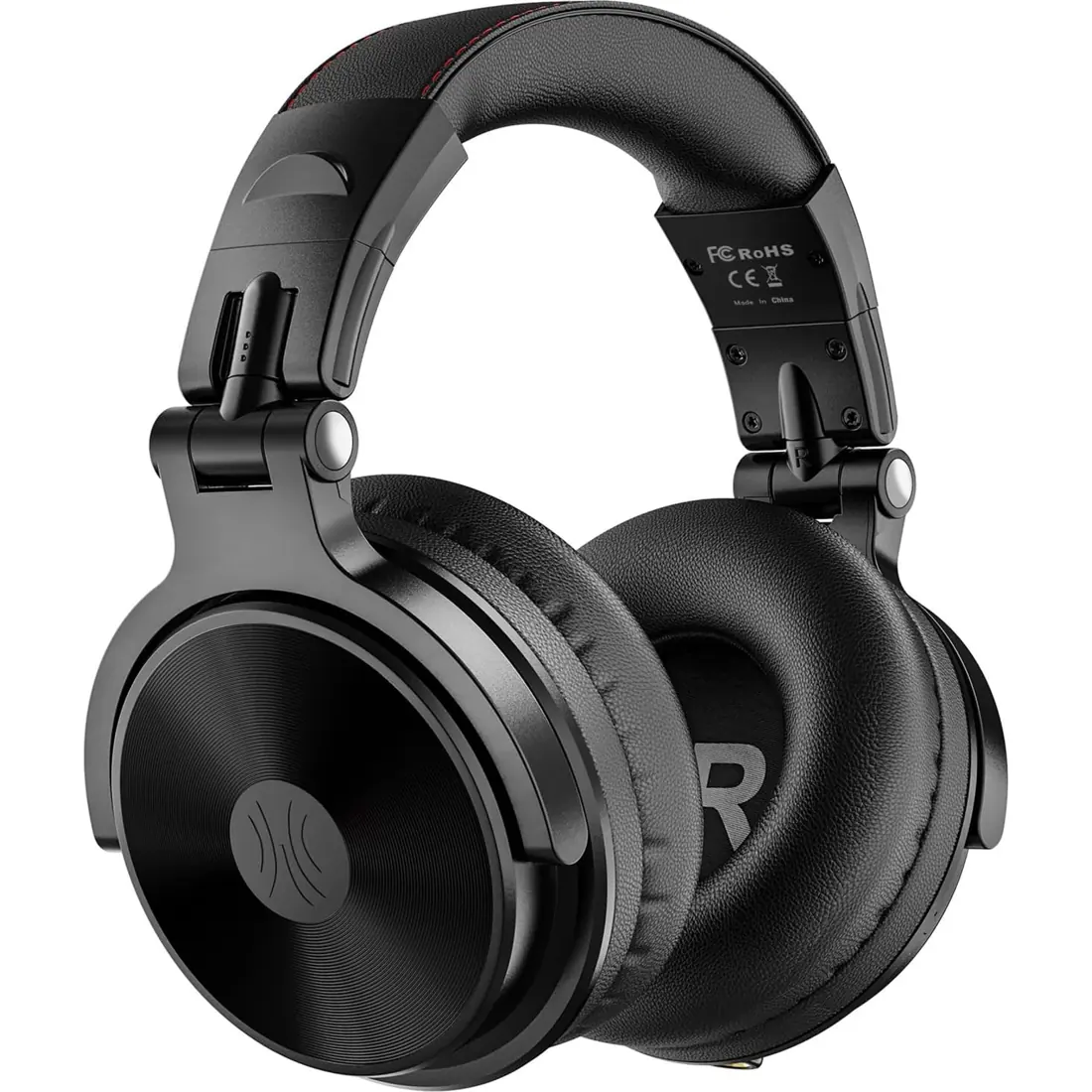
Our custom-made aluminum fascia and 50mm neodymium drivers provide punchy bass and dynamic stereo sound with clear vocals and crisp high tones. You'll be amazed by the detailed sound quality when you wear these over-ear headphones.
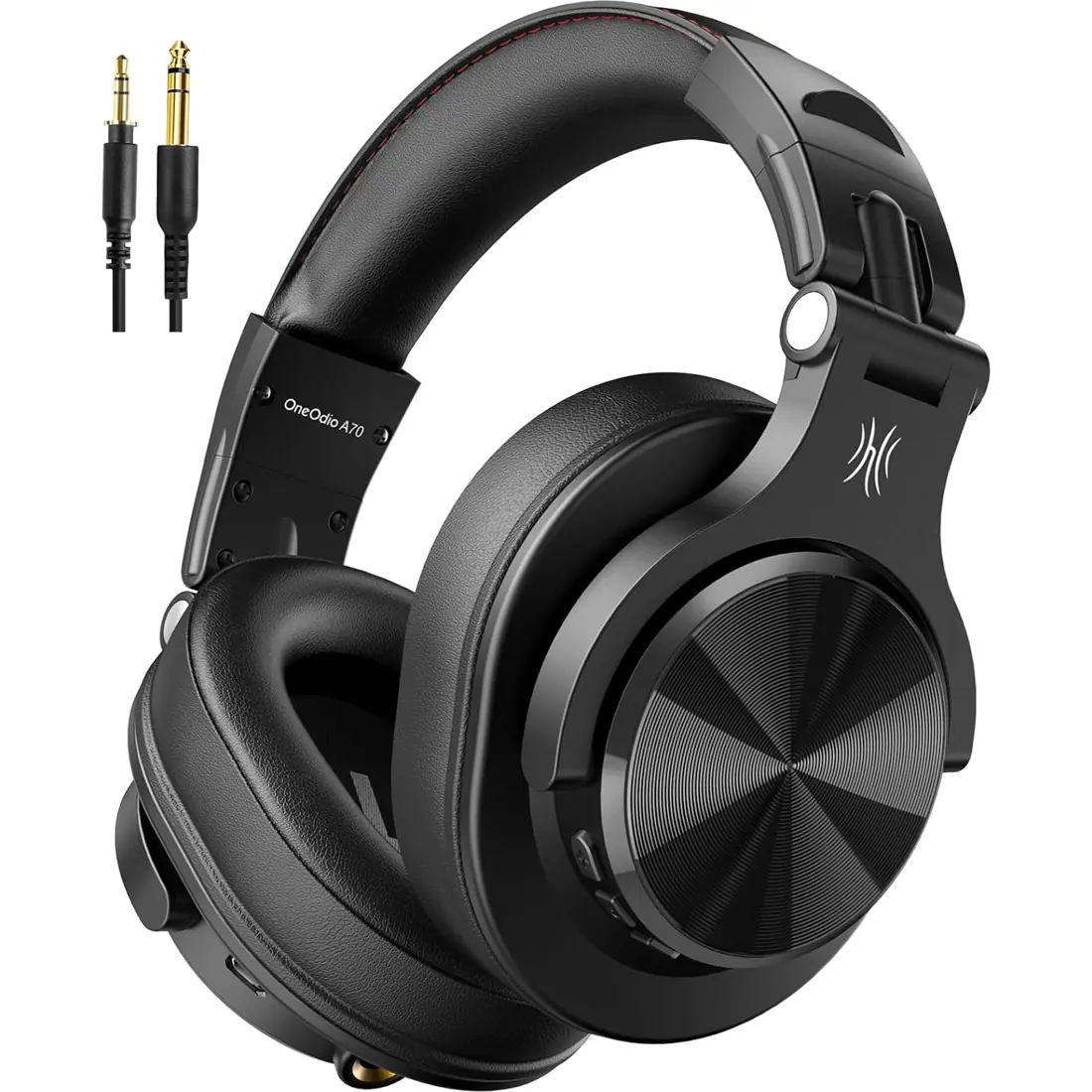
Enjoy up to 72 hours of playtime in wireless mode, or switch to wired mode using the included two audio jack cables (3.5mm to 6.35mm and 3.5mm to 3.5mm). With wired mode, your headphones will never run out of power.
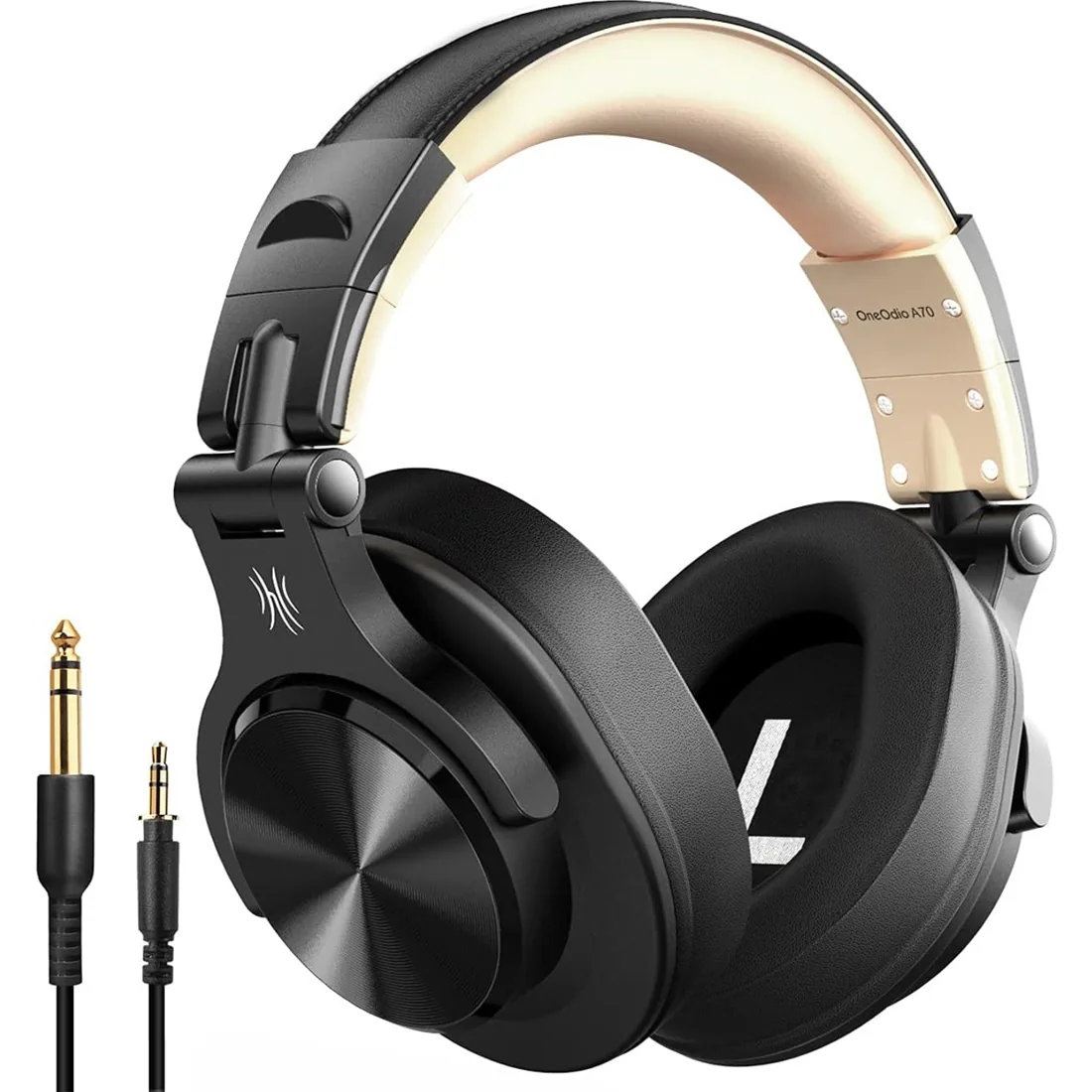
With custom-made aluminum fascia and 40mm neodymium drivers, we bring you powerful bass and dynamic stereo sound. Put on these over-ear headphones and experience every detail of your music in quality.
Put the headphones into their model-specific pairing mode, then choose them in your source device's Bluetooth settings. Keep the devices close during pairing. If a previously paired device reconnects automatically, disconnect it before trying another source. Use the instructions for your exact model for its button sequence.
Reset Bluetooth headphones using the instructions for the exact model; there is no single button sequence for our whole range. For a connection problem, first remove the existing pairing from your source device and try pairing again. A reset can clear saved connections, so check the model instructions before proceeding.
Connect through the PC's Bluetooth settings if the computer supports Bluetooth audio. Put the headphones into pairing mode, add the device and select it as your sound output. Check microphone input separately for calls. Models with analog or USB listening provide different wired alternatives, so confirm the supported mode first.
Active noise cancelling headphones use microphones and electronic processing to reduce certain surrounding sounds. This differs from the passive isolation of an earcup seal. Our Focus models offer different ANC implementations and battery modes. Compare the individual model's details; noise cancellation does not mean that every external sound becomes inaudible.
The best choice depends on your connection, fit and listening habits. Compare the Focus A6's Bluetooth and USB-C listening features with the A1Pro's on-ear design and the A10's available connection modes. Check each model's battery figures and package before choosing. Battery and ANC capabilities are model-specific.